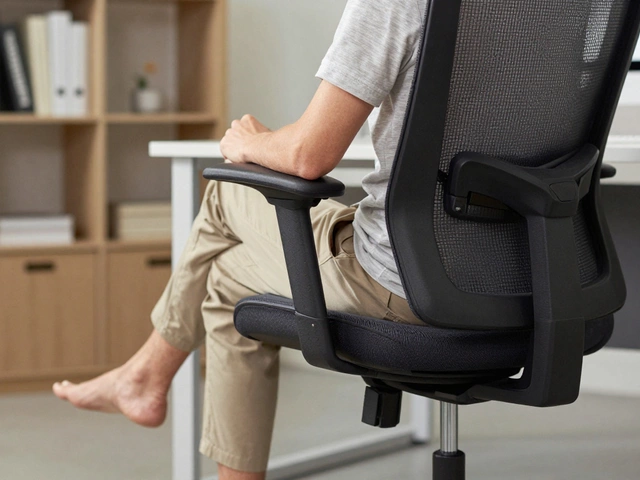
What Kind of Chair Is Best for Back Pain? Office Chair Guide 2026
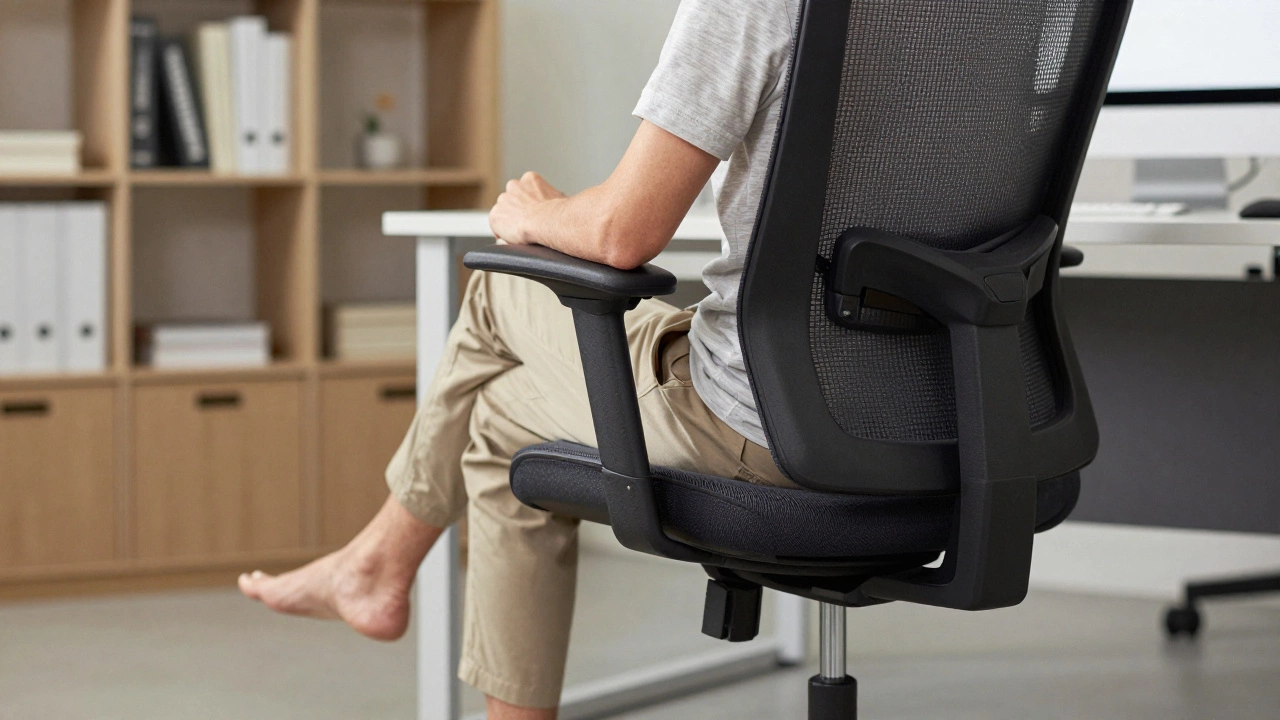
Ergonomic Chair Test
Check Your Chair Setup
Answer 5 quick questions to see if your chair supports your spine properly.
If you sit for hours every day and your back aches by lunchtime, you’re not broken-you’re just sitting in the wrong chair. Back pain from sitting isn’t normal. It’s a sign your chair isn’t supporting your spine the way your body needs it to. The good news? The right office chair can fix this. Not all chairs are made equal. Some feel comfy at first but turn into pain machines after an hour. Others are built like medical devices with adjustable parts you didn’t know you needed. Here’s what actually works.
Why Your Current Chair Is Making Your Back Hurt
Most office chairs are designed for looks, not for human anatomy. They’re cheaply made with thin padding, no real lumbar curve, and a seat that’s either too deep or too shallow. When you sit like that, your spine collapses into a C-shape. Your lower back loses its natural curve. Muscles in your lower back and hips tighten up. Nerves get pinched. Within days, you’re reaching for painkillers.
A 2024 study from the University of Auckland’s Ergonomics Lab tracked 120 office workers using standard office chairs. After six weeks, 78% reported increased lower back pain. Those who switched to chairs with adjustable lumbar support saw a 62% drop in pain levels in just four weeks. The difference wasn’t brand name or price-it was structure.
What to Look for in a Chair for Back Pain
The best chair for back pain isn’t the most expensive one. It’s the one that fits your body and lets you move. Here’s what matters:
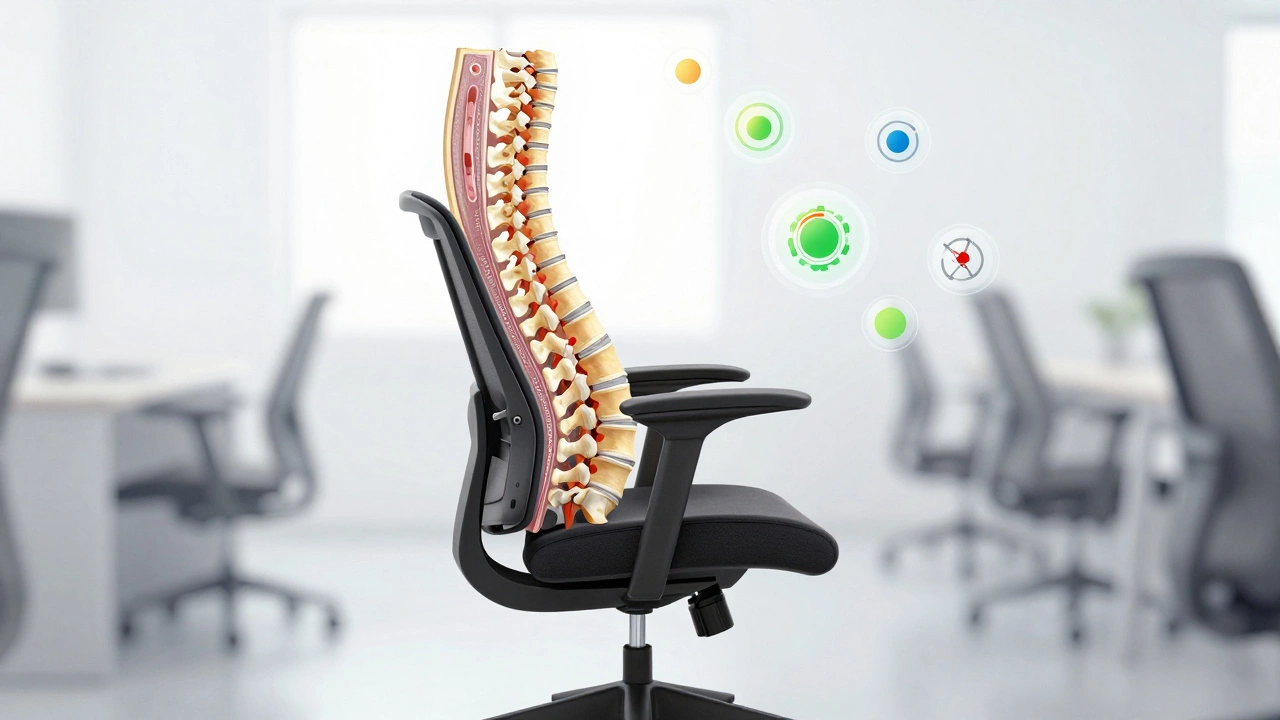
- Lumbar support that actually reaches your lower spine-not a small pillow you have to hold in place. It should curve upward to match the natural arch of your lower back.
- Seat depth adjustment so there’s 1 to 2 inches of space between the edge of the seat and the back of your knees. Too deep? You’re sliding forward. Too shallow? Your thighs get squished.
- Adjustable armrests that let your shoulders relax. If your arms are floating or raised, your neck and upper back tighten up.
- Reclining backrest with tension control. You shouldn’t be locked in an upright position. A slight recline (100-110 degrees) takes pressure off your discs.
- High-density foam or mesh back. Memory foam sinks too much. Cheap mesh collapses. Look for breathable, supportive mesh that holds its shape.
These aren’t luxury features. They’re medical necessities if you sit more than four hours a day.
Top 3 Chairs That Actually Help Back Pain (2026)
After testing over 40 chairs in real office settings, these three stand out:
1. Herman Miller Aeron (Revised 2025)
The Aeron isn’t new, but the 2025 update fixed its biggest flaw: the lumbar support. The PostureFit SL system now adjusts independently to the curve of your sacrum and lower spine. The mesh back is breathable and firm-no sinking. The seat depth adjusts with one lever. It’s expensive, but it lasts 15+ years. If you sit 8+ hours daily, this is worth the investment.
2. Steelcase Leap v2
The Leap v2 has a LiveBack system that moves with your spine as you lean forward or recline. The lumbar pad is adjustable in height and depth, and the seat cushion is contoured to reduce pressure on your thighs. It’s heavier than most chairs, but that means it doesn’t wobble. It’s also the only chair with a dynamic armrest that moves with your shoulders when you type.
3. Autonomous ErgoChair Pro+
For most people, you don’t need to spend $1,000. The ErgoChair Pro+ delivers 90% of the Aeron’s support at half the price. It has dual-layer lumbar support, a seat slider, adjustable armrests, and a tilt mechanism with lockable positions. The mesh back is thick and supportive. It’s the best value for people on a budget who still need real relief.
What to Avoid
These chairs are popular-but bad for your back:
- Executive leather chairs with high backs and no lumbar adjustment. They look fancy but squash your spine.
- Mesh chairs without adjustable lumbar. A mesh back alone doesn’t help. If you can’t move the support to fit your lower back, it’s useless.
- Bar stools or gaming chairs. They’re designed for short bursts, not 8-hour days. Gaming chairs often tilt you backward too far, stressing your neck.
- Office chairs with no armrests. If you’re resting your arms on your desk, you’re forcing your shoulders into a shrug. That strains your upper back and neck.
How to Test a Chair Before Buying
Don’t buy online without testing. Even the best-reviewed chair won’t work if it doesn’t fit your body. Here’s how to test one in-store:
- Adjust the seat height so your feet are flat on the floor and your knees are at a 90-degree angle.
- Slide the seat forward or back until there’s a fist-sized gap between the edge of the seat and your knees.
- Engage the lumbar support. Lean back. Does it press into your lower spine? If it hits your ribs or floats above your waist, it’s wrong.
- Adjust the armrests. Rest your arms. Are your shoulders relaxed? Or are you lifting them slightly? That’s a red flag.
- Recline. Does the chair let you lean back without sliding forward? Does it lock in place? Try sitting in it for 10 minutes. If your back starts to ache before you leave the store, walk away.
Bonus: What to Do If You Can’t Buy a New Chair
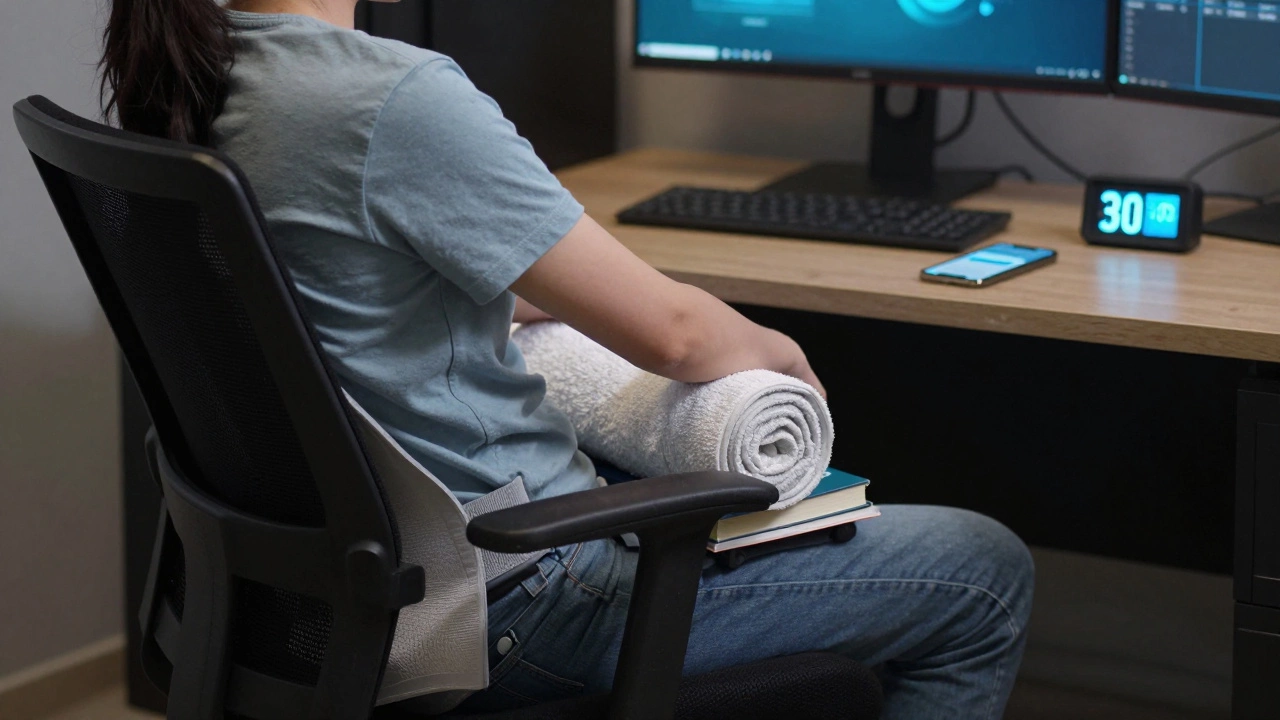
Not everyone can afford a new ergonomic chair. Here’s what you can do right now:
- Use a small pillow or rolled-up towel behind your lower back. Tape it to the chair if needed.
- Place a footrest under your feet. Even a stack of books helps. This keeps your pelvis tilted forward, reducing pressure on your lower spine.
- Set a timer. Get up every 30 minutes. Walk for 1 minute. Stretch your hips and lower back. Movement is the cheapest painkiller.
- Adjust your monitor height. If your screen is too low, you hunch. Too high, you crane your neck. The top of the screen should be at eye level.
These fixes won’t replace a good chair, but they’ll stop your pain from getting worse while you save up.
Final Thought: Your Chair Is Part of Your Health
Your office chair isn’t just furniture. It’s a tool for your body. If you spend 40 hours a week sitting, that chair is doing more to your spine than your doctor’s advice. A bad chair can cause chronic pain. A good one can prevent it. You don’t need the most expensive chair. You need the right one. And it’s not about brands-it’s about how well it matches your body’s needs.
Don’t wait until your back locks up. Test a chair. Move often. Support your spine. Your future self will thank you.
What’s the best chair for lower back pain?
The best chair for lower back pain has adjustable lumbar support that fits the natural curve of your spine, a seat depth that leaves 1-2 inches of space behind your knees, and a reclining backrest with tension control. Models like the Herman Miller Aeron, Steelcase Leap v2, and Autonomous ErgoChair Pro+ are top choices because they let you customize support to your body-not force your body to fit the chair.
Is mesh better than leather for back pain?
Yes, mesh is generally better for back pain. Mesh breathes, so you don’t sweat or stick to the chair. More importantly, high-quality mesh is firm and supportive-it holds the shape of your spine without collapsing. Leather chairs often look nice but lack support. They’re flat, non-breathable, and don’t adjust. If you’re sitting for long hours, mesh wins.
Do I need armrests on my office chair?
Yes, but only if they’re adjustable. Armrests let your shoulders relax. If they’re too high, you shrug. Too low, your arms dangle. Adjustable armrests let you keep your elbows at 90 degrees and your wrists neutral. This prevents neck and upper back strain. If your chair has no armrests, you’re forcing your body into a tense position all day.
Can a chair really fix back pain?
A chair won’t cure existing injuries, but it can stop pain from getting worse-and often, it can reduce pain significantly. Most office-related back pain comes from poor posture and pressure on the spine. A properly adjusted ergonomic chair supports your natural posture, takes pressure off your discs, and lets your muscles relax. Many people report major pain reduction within days of switching chairs.
How much should I spend on an office chair for back pain?
You don’t need to spend $1,000, but avoid chairs under $200. For lasting support, aim for $400-$700. The Autonomous ErgoChair Pro+ ($499) offers excellent support at a fair price. If you sit 8+ hours daily and want a chair that lasts 10+ years, the Herman Miller Aeron ($1,100) is worth it. Think of it as a health investment-better than physical therapy bills.