Should You Tilt Your TV Down? The Complete Guide to Viewing Angles and Neck Pain
TV Viewing Angle & Tilt Calculator
Enter measurements and click Calculate
This tool helps prevent neck strain by calculating the ideal downward tilt angle for high-mounted TVs.
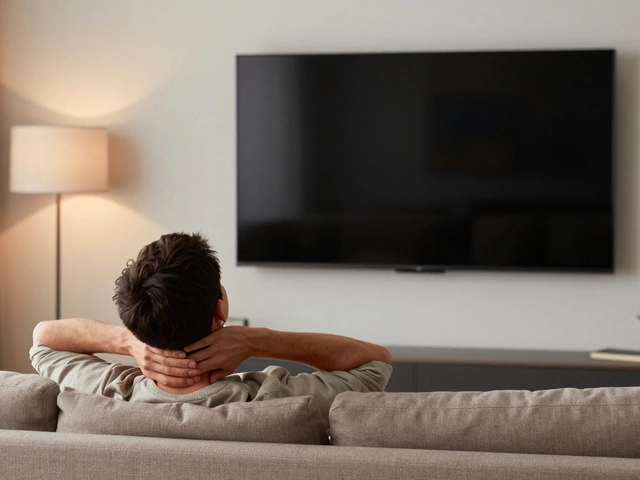
You sit down on your sofa after a long day, ready to relax with a movie. Within twenty minutes, your neck starts to ache. Your eyes feel dry, and you find yourself leaning forward just to see the screen clearly. It’s not just bad posture; it might be how your television is positioned. Many people install their TVs high up on the wall or place them on tall stands without considering the physics of human vision. This raises a critical question: should you tilt your TV down?
The short answer is yes, but only under specific conditions. If your screen is mounted above eye level, tilting it downward is essential for comfort. However, if your TV is already at the correct height, tilting it can actually create new problems like glare and distorted colors. Getting this right isn’t just about aesthetics; it’s about preventing chronic neck pain and ensuring you get the best picture quality from your investment.
The Anatomy of a Comfortable View
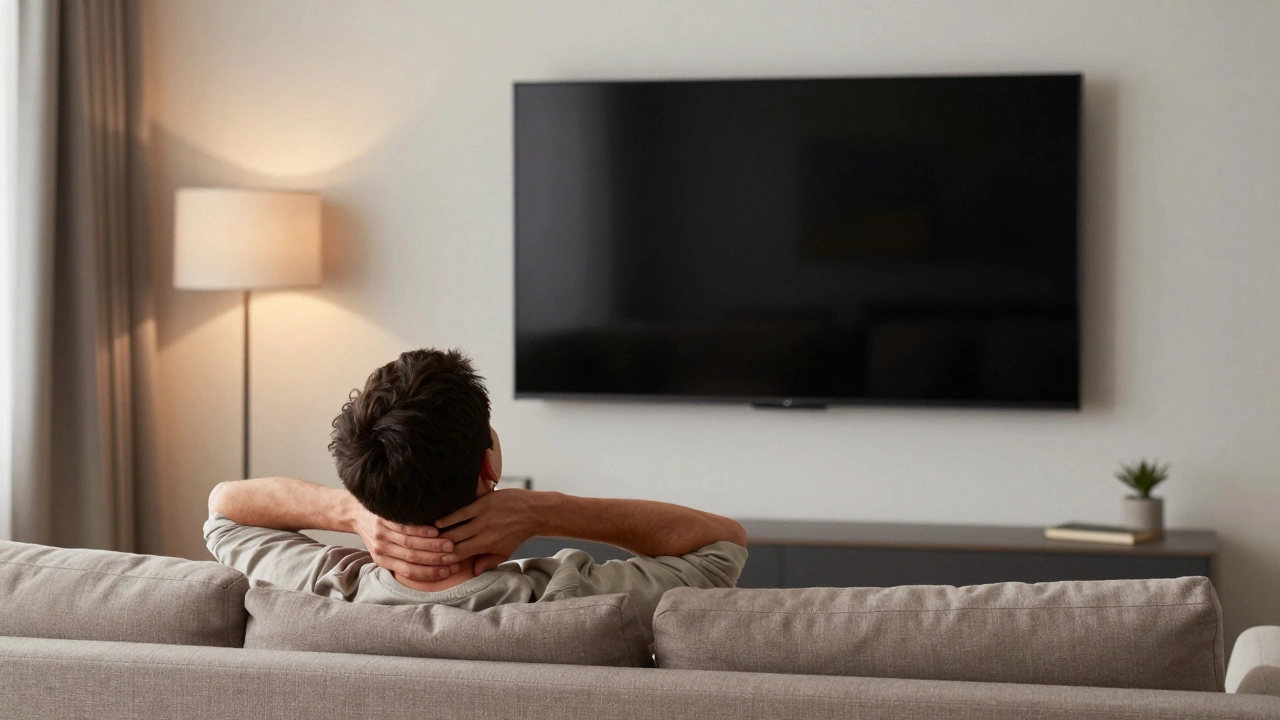
To understand why tilting matters, we need to look at how our bodies are designed to look at screens. When you are sitting in a relaxed position on a standard sofa, your eyes are typically about 36 to 42 inches off the floor. For optimal viewing, the center of your TV screen should align with this eye level. This creates a neutral spine position where your head doesn’t have to tilt up or down significantly.
When the TV is mounted higher than this sweet spot-common in many homes because people want to see over furniture or hide cables behind the wall-you force your neck into extension. Holding your head tilted upward strains the suboccipital muscles at the base of your skull. Over time, this leads to tension headaches, stiffness, and even shoulder pain. Tilting the TV down brings the bottom of the screen closer to your line of sight, reducing the angle your neck needs to hold.
However, there is a limit. If you tilt the screen too far, you end up looking at the back of the panel rather than the surface. This causes perspective distortion, especially with modern flat panels that have thin bezels. The goal is to find the balance point where the screen feels like it’s floating directly in front of you, regardless of its physical height.
When Is Tilting Necessary?
Not every TV setup requires a tilt. In fact, unnecessary tilting can introduce glare from ceiling lights or windows. Here is how to decide if your situation calls for a downward tilt:
- Wall-Mounted Above Eye Level: If the center of your screen is more than 12 inches above your seated eye level, you almost certainly need a tilt. A fixed mount will leave you craning your neck.
- Tall Media Consoles: Some modern media units are surprisingly tall, sometimes reaching 30-35 inches. If your TV sits on top of one of these, the bottom of the screen may still be above eye level. A slight tilt can help.
- Kitchen Islands or Countertops: In open-plan living spaces, TVs are often placed on kitchen islands. Since you’re likely standing or sitting on bar stools, the viewing angle changes drastically. Tilting helps accommodate both standing and seated viewers.
- Beds with High Headboards: In bedrooms, if your bed has a high headboard or thick mattress, you might lie back and watch TV from a reclined position. Tilting the screen toward the foot of the bed improves visibility.
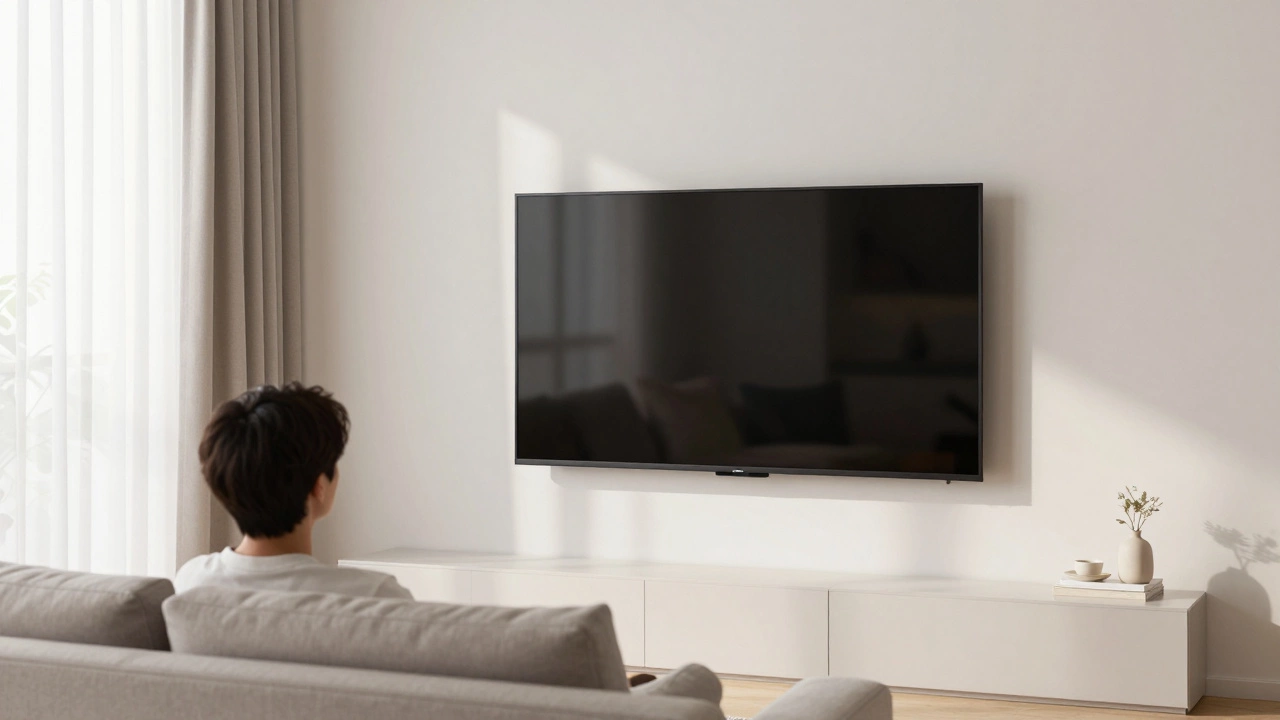
If your TV is on a low stand or a mount where the center of the screen is within 6 inches of your eye level, skip the tilt. Keep it straight. Any deviation from perpendicular will cause reflections and reduce image clarity.
Types of Tilting Solutions
If you’ve determined that your TV needs to be angled downward, you have several hardware options. Each comes with trade-offs regarding installation difficulty, cost, and flexibility.
| Mount Type | Tilt Range | Best For | Pros | Cons |
|---|---|---|---|---|
| Fixed Mount | None | Screens at eye level | Cheapest, flush against wall | No adjustment possible |
| Tilting Mount | -5° to -15° | High-mounted screens | Affordable, easy to adjust | Limited range, no swivel |
| Full-Motion Articulating | -15° to +15° | Corners, multi-viewing angles | Maximum flexibility | Expensive, sticks out from wall |
| Pedestal Stand | Variable | Renters, non-permanent installs | Portable, hides cables | Takes floor space, less stable |
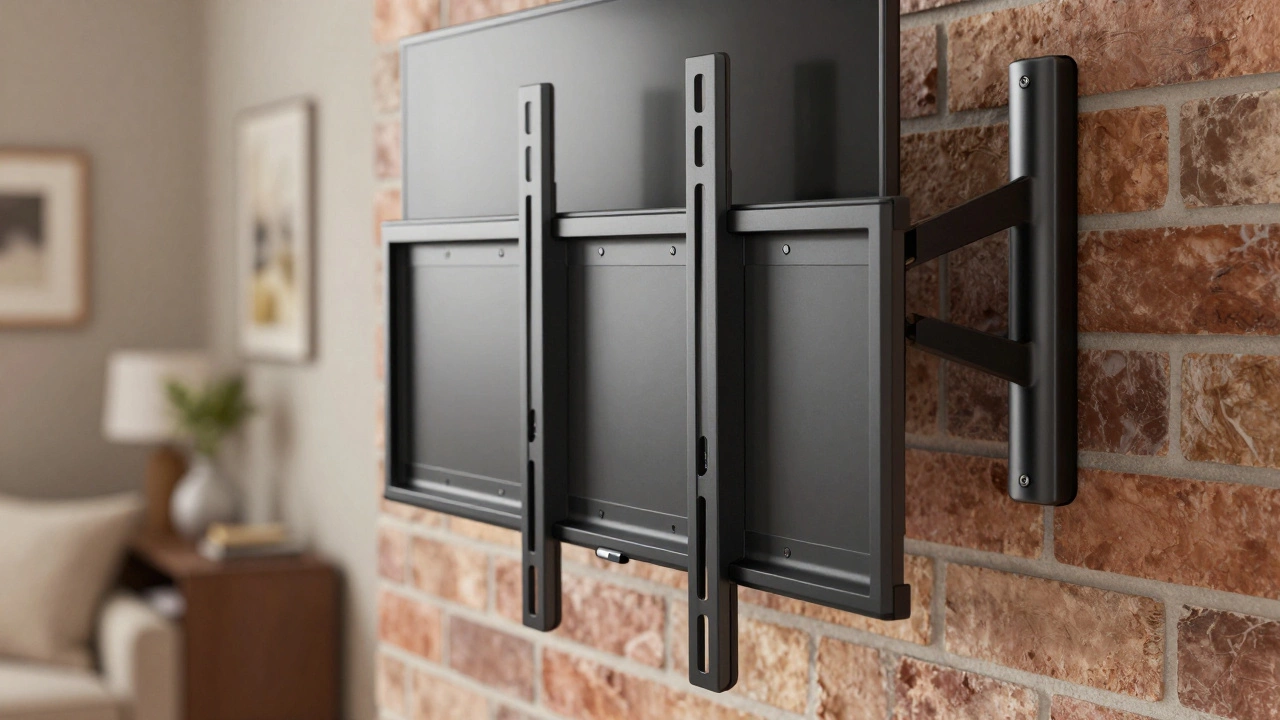
A tilting mount is a bracket that allows the TV to pivot vertically. This is the most common solution for high-mounted TVs. It usually offers a tilt range of 5 to 15 degrees. For most living rooms, a 10-degree tilt is sufficient to bring the screen into a comfortable viewing zone without causing excessive glare.
If you need more flexibility, an articulating arm allows you to pull the TV out from the wall and tilt it further. This is useful if you have multiple seating areas, like a sectional sofa and a single chair. However, these mounts extend 12-18 inches from the wall, which can look bulky in small rooms.
Calculating the Perfect Angle
How much should you tilt? There is no universal number, but you can calculate a good starting point based on geometry. Measure the distance from your primary seating position to the TV. Let’s call this the "viewing distance." Then measure the vertical difference between your eye level and the center of the TV screen.
A simple rule of thumb is the 10-degree rule. For every foot (12 inches) that the TV center is above your eye level, add roughly 1 degree of tilt. So, if your TV is 24 inches above eye level, start with a 2-degree tilt. Wait, that seems small. Actually, a better heuristic is to aim for the bottom third of the screen to be parallel to your line of sight. Most tilting mounts have markings. Start at the lowest setting and incrementally raise the screen until you feel your neck relax.
Another factor is the size of the TV. Larger screens, like 75-inch or 85-inch models, have a greater vertical span. Even a few degrees of tilt can make a huge difference for the bottom row of pixels. With smaller 50-inch TVs, the margin for error is smaller, so precise adjustments matter more.
The Glare Problem
One major downside of tilting a TV down is glare. Modern TVs, especially OLED and QLED models, have glossy screens that reflect light like mirrors. When you tilt the screen downward, you change the angle of incidence for light sources in the room.
If you have recessed ceiling lights or windows directly opposite the TV, tilting the screen can bounce that light directly into your eyes. This creates hot spots that wash out the image and cause eye strain. To mitigate this, consider the following:
- Matte Screen Protectors: While they slightly reduce sharpness, anti-glare films can diffuse reflections.
- Lighting Control: Use dimmable lights or move lamps away from direct reflection paths.
- Blackout Curtains: If windows are the issue, control the incoming light during daytime viewing.
- Adjustable Blinds: These allow you to block direct sunlight while keeping ambient light.
In some cases, the glare caused by tilting is worse than the neck strain from not tilting. In such scenarios, lowering the TV entirely is the best solution. If you can’t lower it due to wall studs or electrical boxes, consider a matte finish TV model next time you upgrade.
Installation Tips for DIYers
Installing a tilting mount is straightforward if you have basic tools. You’ll need a stud finder, a level, a drill, and a screwdriver. Always mount the bracket into wall studs. Drywall anchors alone cannot support the weight of a modern TV, especially when tilted, as the leverage increases the stress on the screws.
Before drilling, check for wires and pipes inside the wall. New Zealand homes, particularly older ones in Auckland, may have outdated wiring that isn’t on current blueprints. Once the bracket is secure, hang the TV using the VESA mounting points on the back. Ensure all safety cables are attached to prevent accidental falls.
After installation, test the tilt mechanism. It should hold its position firmly without slipping. If it feels loose, tighten the locking knobs. Remember, you can always readjust the angle later, so don’t worry about getting it perfect on the first try.
Alternatives to Tilting
If tilting doesn’t solve your problem, or if you hate the look of an angled screen, consider these alternatives:
Lower the TV: The best fix is often prevention. Install the TV lower on the wall. Many interior designers recommend placing the center of the screen at 42 inches from the floor for average-height adults. This eliminates the need for tilting altogether.
Use a Pedestal: Instead of wall mounting, use a sturdy TV pedestal that allows you to roll the TV around. Some pedestals have built-in tilt mechanisms that are easier to adjust than wall mounts.
Improve Seating: Sometimes the issue isn’t the TV, but the sofa. If your sofa is too low, your eye level drops. Adding cushions or choosing a firmer seat can raise your viewing angle, making a fixed TV more comfortable.
What is the ideal TV viewing height?
The ideal height is when the center of the TV screen aligns with your seated eye level. For most people, this is approximately 42 inches from the floor to the center of the screen. This ensures a neutral neck position and reduces strain.
How many degrees should I tilt my TV?
A tilt of 5 to 15 degrees is typical. Start with 10 degrees if your TV is mounted significantly above eye level. Adjust incrementally until you feel comfortable. Avoid tilting beyond 15 degrees as it can cause distortion and glare.
Does tilting a TV damage the screen?
No, tilting does not damage the screen itself. However, improper installation or using a mount that doesn’t support the TV’s weight can lead to structural failure. Always use a mount rated for your TV’s size and weight.
Can I tilt a TV that is already at eye level?
It’s generally not recommended. Tilting a TV that is already at eye level can cause glare from ceiling lights and distort the image perspective. Keep the screen perpendicular to your line of sight for the best picture quality.
Is a tilting mount worth the extra cost?
If your TV is mounted above eye level, yes. The improved comfort and reduced risk of neck pain make it a worthwhile investment. If your TV is at eye level, a fixed mount is cheaper and looks cleaner.