Ideal Viewing Distance for a 55-Inch TV: A Practical Guide
TV Viewing Distance Calculator
Configure Your Setup
Recommended Distance
-- ft
-- meters
Visual Field Simulation
Adjust settings to see specific advice.
You just bought that shiny new 55-inch TV, and it looks fantastic in the box. But now comes the hard part: where exactly do you put it? And more importantly, where should you sit? If you place your sofa too close, you’ll see every pixel like a grid of tiny squares. Too far away, and that crisp 4K resolution might as well be standard definition. The sweet spot isn’t just about aesthetics; it’s about matching the screen size to your human eye’s natural field of view.
Most people guess wrong. They measure from the wall, not the eyes. They forget about their actual viewing habits. Let’s fix that. Here is how to calculate the perfect distance so your movie nights feel immersive without giving you a headache.
The Math Behind the Magic
There are two main schools of thought here: the SMPTE (Society of Motion Picture and Television Engineers) standard and the THX standard. They disagree slightly, but both agree on one thing: bigger screens require more space.
SMPTE recommends that the screen should occupy about 30 degrees of your field of vision. For a 55-inch TV, this translates to a viewing distance of roughly 7 to 8 feet (84 to 96 inches). This is great for casual watching, news, or mixed usage.
THX, however, pushes for a more cinematic experience. They suggest the screen should fill about 40 degrees of your view. For our 55-inch set, that means sitting closer-around 6.5 to 7 feet (78 to 84 inches). This is ideal if you’re mostly watching movies or playing video games where immersion matters most.
So, what’s the real answer? It depends on what you watch. If you’re a gamer or a film buff, aim for the 6.5 to 7-foot mark. If you have kids running around or watch a mix of sports and reality TV, 7.5 to 8 feet is safer and more comfortable.
| TV Size (Diagonal) | SMPTE Distance (Casual/Mixed) | THX Distance (Immersive/Cinema) | Recommended Range |
|---|---|---|---|
| 43-inch | 5.5 - 6.5 feet | 4.5 - 5.5 feet | 5 - 6 feet |
| 55-inch | 7 - 8 feet | 6.5 - 7 feet | 6.5 - 8 feet |
| 65-inch | 8.5 - 9.5 feet | 7.5 - 8.5 feet | 7.5 - 9.5 feet |
| 75-inch | 10 - 11 feet | 8.5 - 9.5 feet | 8.5 - 11 feet |
Why Resolution Changes Everything
A few years ago, sitting close to a TV meant seeing the "screen door effect"-that annoying grid pattern between pixels. With modern 4K UHD panels, the pixels are so small they become invisible to the naked eye at normal distances. This actually allows you to sit closer than you could with older 1080p sets.
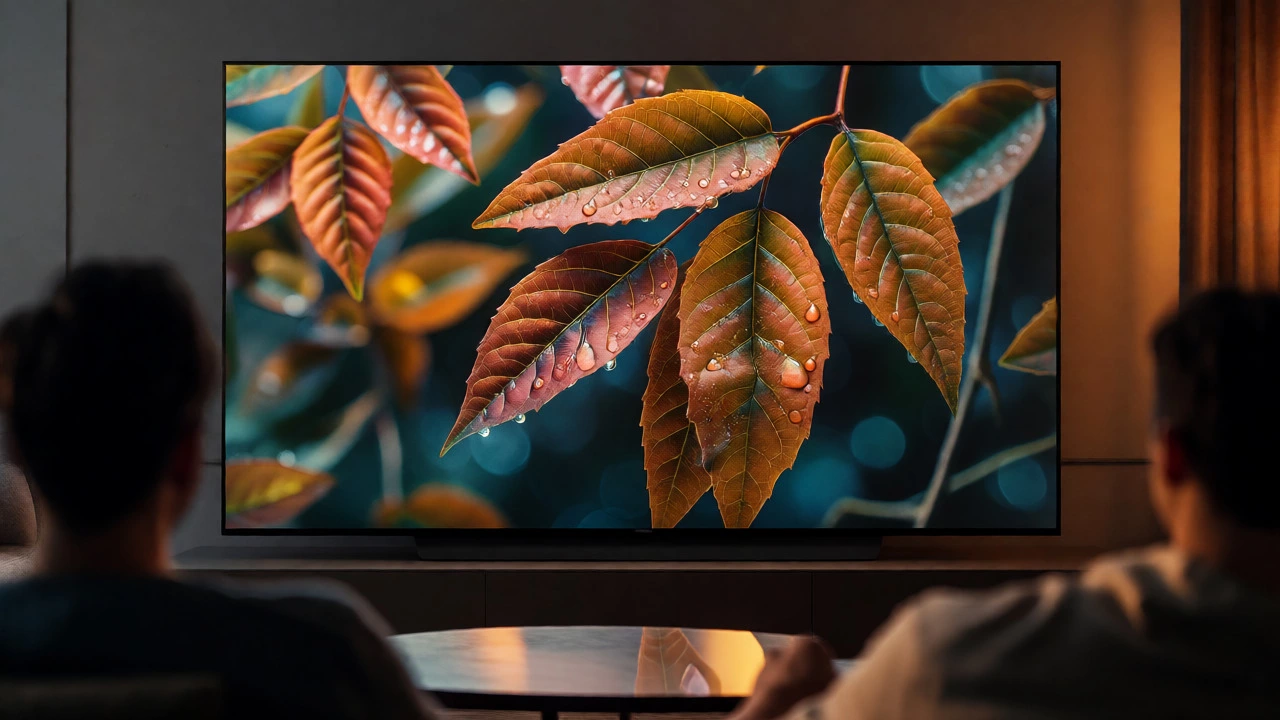
If you still have an older HD TV, stick to the longer end of the spectrum (8 feet). But if you’ve invested in a high-end OLED or QLED 4K model, don’t be afraid to pull your couch in closer. The extra detail becomes visible and rewarding when you’re within 7 feet. You start noticing textures in fabrics, individual leaves on trees, and subtle lighting effects that get lost when you’re across the room.
Room Layout and Eye Level Matter
Distance isn’t the only variable. Height plays a huge role in comfort. If your TV is mounted too high, you’ll end up tilting your head back, leading to neck strain after a couple of hours. The center of your screen should ideally be at eye level when you’re seated.
Here’s a quick rule of thumb: Measure the height of your sofa seat from the floor. Add about 15-20 inches (the average eye-level height when seated). That number is where the center of your TV should sit. If you’re mounting the TV above a fireplace, which is common but often problematic, consider a full-motion mount that pulls the screen down and angles it toward the viewer.
Also, think about traffic flow. Do you need to walk behind the couch? Is there a coffee table in the way? Sometimes the "perfect" mathematical distance clashes with practical living. In those cases, prioritize comfort over strict geometry. A slightly wider angle is better than craning your neck or tripping over cables.
Adjusting for Your Specific Habits
Not everyone watches TV the same way. Your primary use case should dictate your final placement.
- Gamers: Sit closer. Input lag feels different when you’re engaged, and being immersed helps you react faster. Aim for 6.5 feet. Also, ensure your TV supports HDMI 2.1 features if you have a PS5 or Xbox Series X.
- Sports Fans: Stick to the middle ground. Wide-angle views can distort the field lines on soccer pitches or basketball courts. 7.5 feet keeps the perspective natural.
- Casual Streamers: If you’re scrolling through Netflix while eating dinner, you aren’t staring intently. 8 feet gives you a relaxed vibe without forcing you to focus too hard.
- Families with Kids: Younger eyes are sharper, but parents worry about eye strain. There’s no scientific proof that sitting close damages eyes permanently, but it causes fatigue. 7-8 feet is a safe compromise for shared spaces.
Troubleshooting Common Setup Mistakes
Once you’ve moved your furniture, take a test drive. Watch a scene with fast motion-like a car chase or a sports game. Does the image look blurry? You might be too far away for the content’s bitrate, or your TV’s motion smoothing settings might be off. Try turning off "Motion Smoothing" or "Soap Opera Effect" in your picture settings. It often makes movies look fake and distracting.
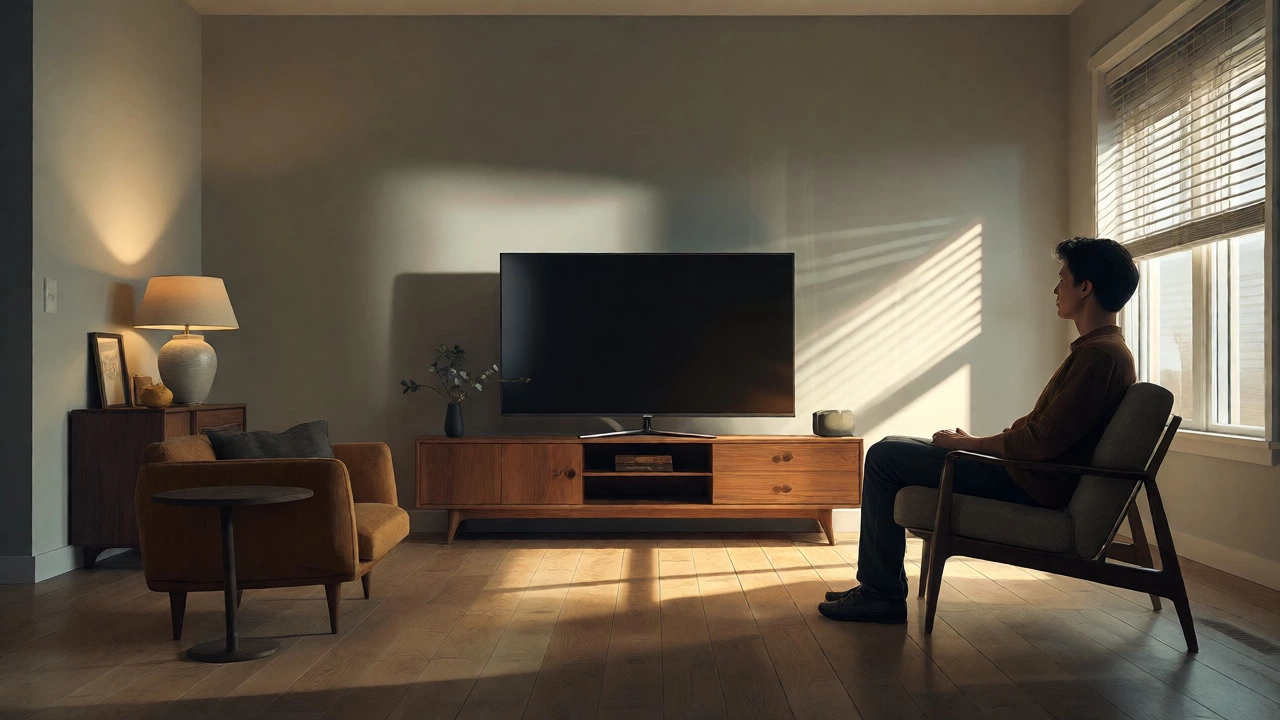
Another issue? Glare. If your windows are opposite the TV, sitting closer increases the chance of reflections ruining the picture. Check your seating position during the day. If sunlight hits the screen directly, you might need blackout curtains or to angle the TV slightly. No amount of perfect distance fixes a washed-out image caused by poor lighting control.
Finally, remember that these numbers are starting points. Human perception varies. Some people prefer a larger visual footprint; others like a discreet background element. Use the calculator, set up the initial distance, live with it for a week, and then adjust by six inches if something feels off. Your comfort trumps any engineering standard.
Is sitting too close to a 55-inch TV bad for my eyes?
No, sitting close does not cause permanent damage to your eyes. However, it can lead to temporary digital eye strain, causing headaches, dryness, or blurred vision. If you find yourself squinting or feeling tired after watching, increase the distance by a foot or two to reduce the intensity of light entering your eyes.
Does the shape of my room affect viewing distance?
Yes, significantly. In narrow rooms, you may not have enough depth to achieve the ideal distance. In this case, consider mounting the TV on the side wall rather than the end wall, or using a corner mount to maximize the diagonal line of sight. Always prioritize clear sightlines over perfect symmetry.
Should I choose a 55-inch or 65-inch TV for a small apartment?
If your seating is less than 6 feet from the TV wall, a 55-inch is usually sufficient. A 65-inch TV requires at least 7.5 feet of clearance to avoid overwhelming the space. Measure your current setup before upgrading; sometimes adding a second smaller screen for bedrooms is better than forcing a large screen into a cramped living area.
How does TV stand height impact the recommended distance?
The stand height doesn't change the horizontal distance needed, but it changes the vertical angle. If your stand is low, the screen sits lower, which is generally better for neck health. If the stand is tall, you might need to sit slightly further back to avoid looking up excessively. Ideally, keep the center of the screen at eye level regardless of stand height.
What if my couch is against a wall and I can't move it?
If you cannot move the couch, adjust the TV instead. Use a full-motion wall mount to extend the TV out from the wall, effectively reducing the distance between your eyes and the screen. Alternatively, if the TV is fixed, you might need to accept a wider viewing angle, which reduces immersion but maintains comfort.