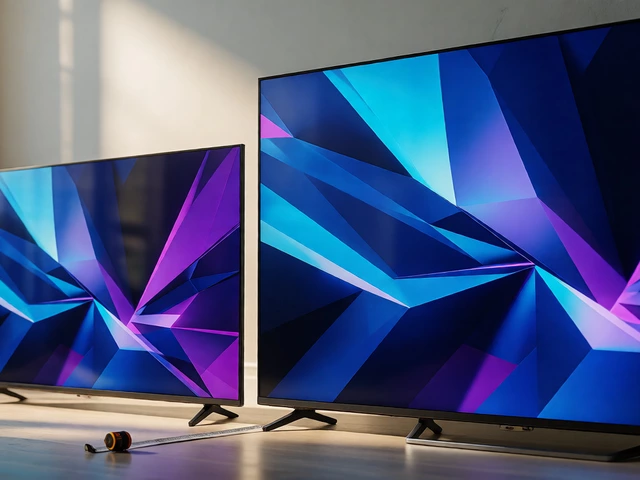
65 vs 55 Inch TV: Width Difference & Stand Fit Guide
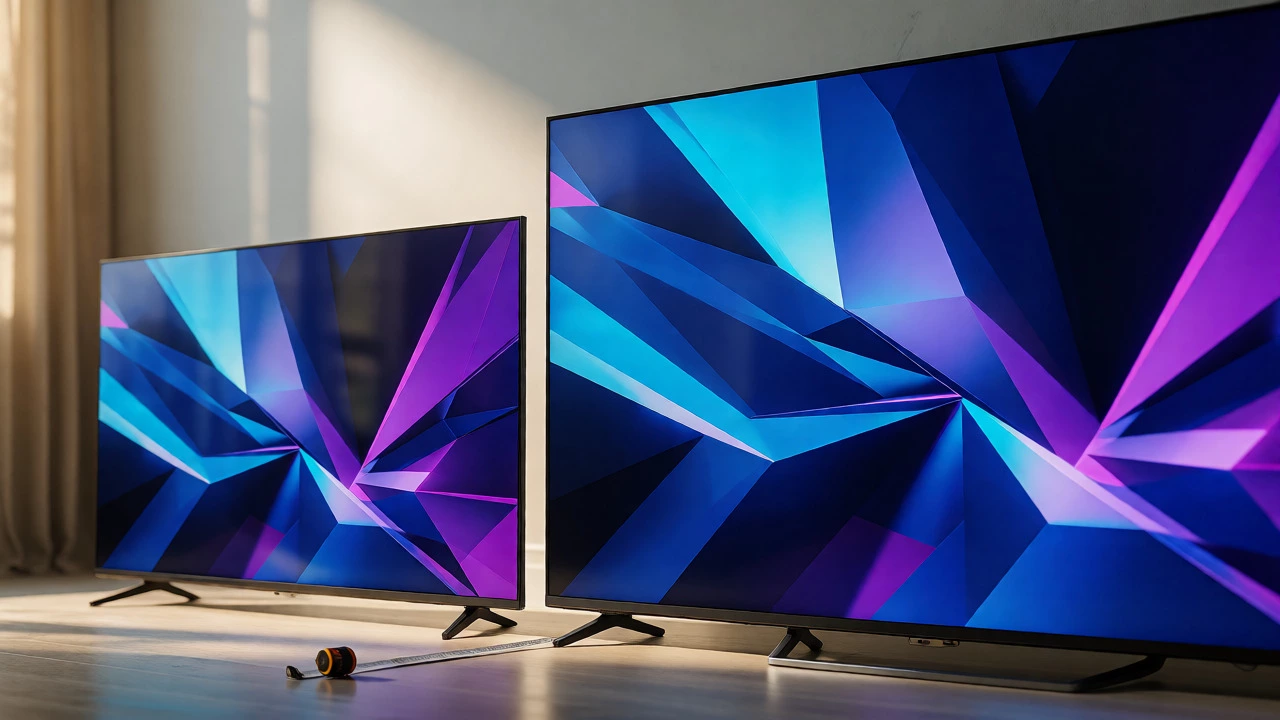
TV Fit & Viewing Distance Calculator
Enter your current setup details to see if a larger TV will fit and how it affects your viewing experience.
Stand Compatibility
Viewing Experience
You’re standing in the electronics aisle, staring at two shiny black rectangles. One says 55 inches, the other 65. They look almost identical from a distance, but you know that once they hit your living room wall, those ten inches will either make or break your setup. The question isn’t just about picture quality; it’s about physics and furniture. How much wider is a 65 TV than a 55? The short answer? About 8 to 9 inches (20-23 cm) wider across the screen itself. But here’s the kicker: the actual footprint on your stand might be different because of bezels and stands.
This gap sounds small until you try to slide a new TV onto an existing media console. If your current stand is exactly 56 inches wide, a 55-inch TV fits with breathing room. A 65-inch model? It’s going to hang off the edges like a bad haircut. Let’s break down the real-world dimensions so you don’t end up returning a $1,000 purchase because it didn’t fit through the doorway or onto the shelf.
The Math Behind the Diagonal
People get confused because TVs are sold by diagonal measurement, not width. This is a legacy from the CRT days when screens were square-ish. Today, most modern displays use a 16:9 aspect ratio. That means for every 16 units of width, you have 9 units of height. It’s a fixed geometry, which makes calculating the actual width straightforward if you know the math.
To find the width, we use the Pythagorean theorem. For a 16:9 screen, the width is roughly 87% of the diagonal measurement. So, a 55-inch TV has a screen width of about 47.9 inches. A 65-inch TV clocks in at around 56.7 inches. Subtract one from the other, and you get a difference of approximately 8.8 inches. That’s nearly a full foot of extra horizontal space required.
| Diagonal Size | Screen Width (Approx.) | Screen Height (Approx.) | Width Difference vs 55" |
|---|---|---|---|
| 55 Inches | 47.9 inches | 27.0 inches | Baseline |
| 65 Inches | 56.7 inches | 31.9 inches | +8.8 inches |
| 75 Inches | 65.4 inches | 36.8 inches | +17.5 inches |
Why Your TV Stand Might Not Match the Screen
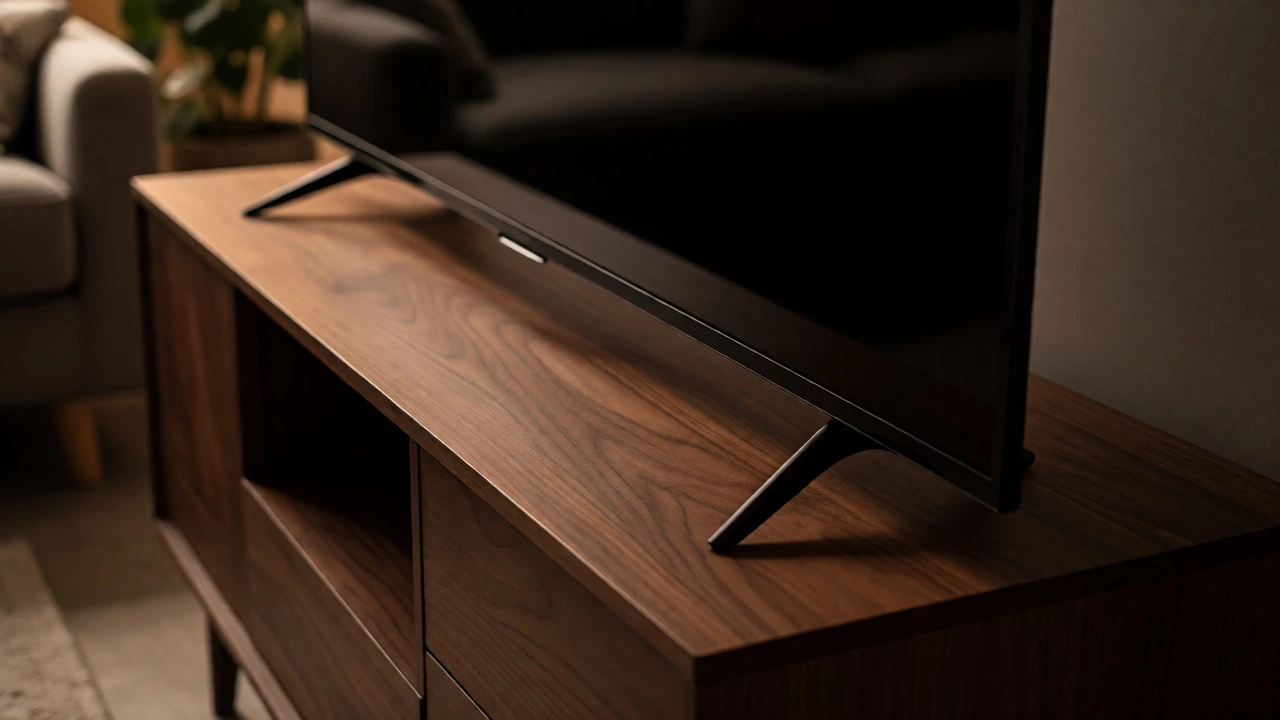
Here is where people mess up. The numbers above are for the *screen* only. They do not include the bezel (the frame around the screen) or the feet. Modern TVs have incredibly thin bezels-sometimes less than half an inch-but they still exist. More importantly, the feet vary wildly between brands and models.
A Samsung Neo QLED might have narrow, inward-facing feet that reduce the overall footprint width. An older Sony Bravia might have wide-set legs that extend beyond the screen edge. Always check the "Product Specifications" tab on the manufacturer's website for "Width with Stand." This number is the one that matters for your furniture.
For example, a popular 65-inch OLED model might have a screen width of 56.7 inches but a total width with stand of 57.2 inches. That seems negligible, right? Wrong. If your TV stand is 56 inches wide, you now have a problem. You need a stand that is at least 2-4 inches wider than the TV’s total width with stand to ensure stability and aesthetics. A general rule of thumb: never let the TV overhang the stand by more than 1 inch per side.
Viewing Distance: Is Bigger Actually Better?
Before you worry about the width, ask yourself if you actually need the extra eight inches. Going from 55 to 65 inches increases your viewing area by about 39%. That’s significant. But does it matter if you’re sitting three feet away?
The Society of Motion Picture and Television Engineers (SMPTE) recommends a viewing angle of 30 degrees for mixed content and 40 degrees for immersive movies. Here’s how that translates to real life:
- For a 55-inch TV: Ideal viewing distance is 7 to 9 feet.
- For a 65-inch TV: Ideal viewing distance is 8 to 10.5 feet.
If your couch is pushed against the opposite wall and you’re only 6 feet away, a 65-inch TV might feel overwhelming. You’ll spend more time scanning the screen than watching the action. Conversely, if you sit 10 feet back, a 55-inch screen can start to feel small, especially for sports or gaming. Measure your actual seating position. Don’t guess. Use a tape measure from your eyes to the center of where the TV will go.
Mounting vs. Standing: The Wall Advantage
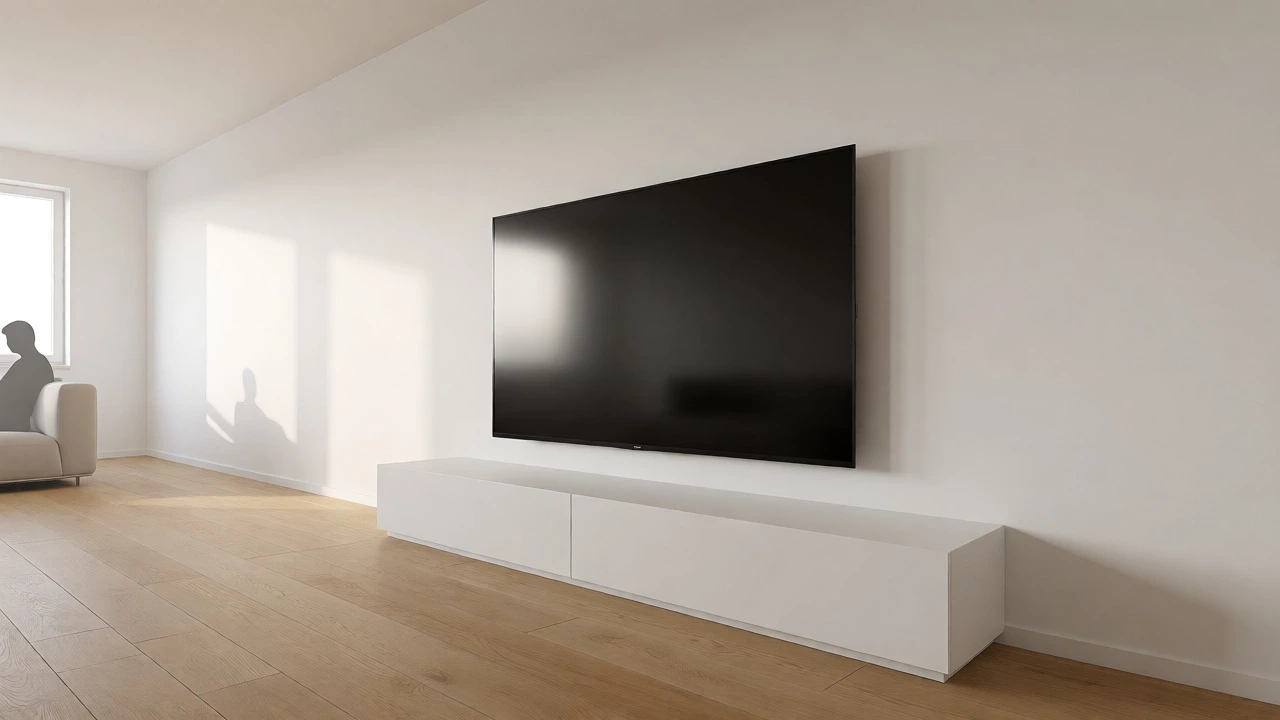
If your current TV stand is too narrow for a 65-inch model, you have two options: buy a new stand or mount it on the wall. Mounting solves the width issue instantly because the TV no longer needs support from below. It floats.
However, mounting introduces its own constraints. You need to locate studs. In New Zealand homes, studs are typically spaced 450mm or 600mm apart. A 65-inch TV is heavier than a 55-inch, often weighing 20-25kg without the stand. Ensure your wall anchors and mount bracket are rated for this weight plus a safety margin. Never rely on drywall alone for a heavy OLED panel.
Also, consider cable management. When you upgrade from 55 to 65, you might notice your HDMI cables aren’t long enough if they were routed tightly behind the old TV. The larger surface area might block ports differently depending on the brand. Check port orientation before buying.
Room Layout and Aesthetic Balance
A 65-inch TV dominates a wall. In a small bedroom or a compact apartment living room, it can feel oppressive. Designers often suggest that the TV should take up no more than one-third of the wall width. If your wall is 8 feet (96 inches) wide, a 65-inch TV (approx. 57 inches wide) takes up nearly 60% of the space. That’s bold. It works if you want a cinema vibe, but it leaves little room for decor, shelves, or artwork on either side.
With a 55-inch TV, you leave more negative space, which can make a small room feel larger. If you’re renting or moving soon, consider whether a massive TV limits your future layout options. Can you easily move a 65-inch TV through a standard doorframe? Yes, usually, but tight corners in stairwells can be a nightmare. Measure your path from the store to the living room.
Cost vs. Value: Is the Upgrade Worth It?
Price jumps significantly between these sizes. A mid-range 55-inch 4K TV might cost NZ$800-$1,200. The same technology in 65 inches often starts at NZ$1,500-$2,000. You’re paying a premium for the extra glass.
Is it worth it? If you watch mostly news, casual dramas, or play casual games, probably not. The resolution difference at typical viewing distances is minimal. However, if you watch 4K HDR content, play PS5 or Xbox Series X, or love sports, the immersion factor of a 65-inch screen is noticeable. The wider field of view pulls you into the game. For movie buffs, the bigger canvas reveals more detail in dark scenes and bright highlights.
Checklist Before You Buy
Don’t order online until you’ve checked these boxes:
- Measure your current stand: Is it at least 60 inches wide? If yes, a 65-inch TV likely fits. If it’s 50-55 inches, you need a new stand.
- Check the "Width with Stand": Look up the specific model’s specs, not just the screen size.
- Measure viewing distance: Are you sitting 8+ feet away? If not, stick with 55.
- Check doorway widths: Ensure the box fits through your front door and any tight turns.
- Verify wall strength: If mounting, confirm stud locations and weight capacity.
Does a 65-inch TV require a special stand?
Not necessarily a "special" stand, but a wider one. Most 55-inch stands are 48-52 inches wide. A 65-inch TV needs a stand at least 58-60 inches wide to prevent overhang. Check the product page for "width with stand" to be sure.
Will a 65-inch TV fit in a car?
It depends on the vehicle. The box for a 65-inch TV is roughly 65x40x8 inches. It fits in most SUVs and hatchbacks with seats folded down. Sedans may struggle unless the rear seat folds flat. Always measure your trunk opening first.
Is the picture quality better on a 65-inch TV?
Not inherently. Resolution (pixels per inch) is similar between high-end 55 and 65-inch models. The benefit is immersion and field of view, not sharper pixels. Sometimes, lower-cost 65-inch panels have slightly lower brightness than their 55-inch siblings due to manufacturing costs.
How much power does a 65-inch TV use compared to a 55-inch?
Expect a 10-20% increase in energy consumption. Larger panels require more backlighting. Over a year, running 5 hours a day, the difference might amount to $10-$20 on your electricity bill. Negligible for most households.
Can I reuse my old TV mount?
If the VESA pattern matches and the mount’s weight rating exceeds the new TV’s weight, yes. Most mounts are universal within certain size ranges. Check the VESA holes on the back of both TVs. Common patterns are 200x200mm or 400x400mm.