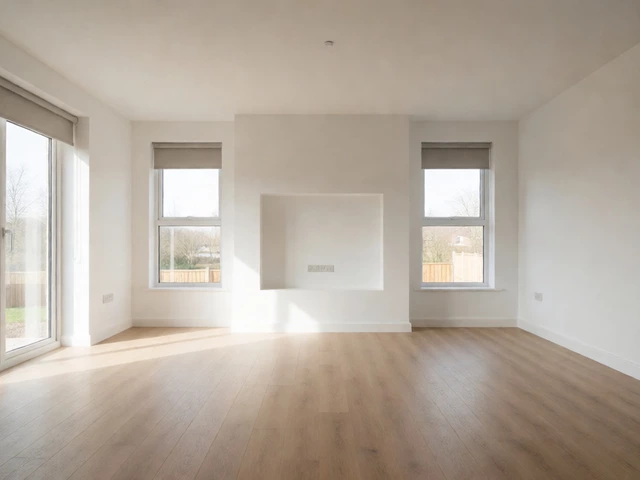
Do New Builds Come With a TV? What to Expect in 2026
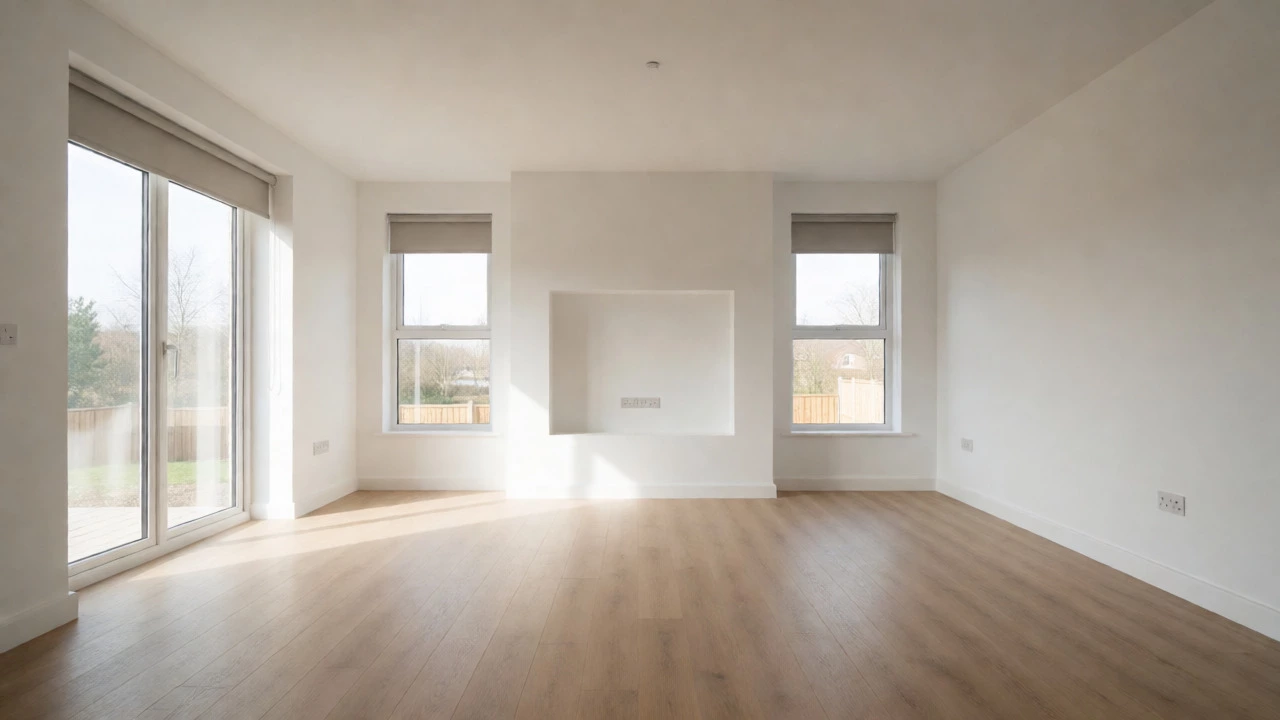
New Build Entertainment Budget Estimator
Builders rarely include TVs. Use this tool to calculate what you actually need to pay for after handover.
Your Setup Preferences
Estimated Total Cost
You just signed the contract for your dream home. The floor plans are finalized, the color palette is chosen, and you’re mentally placing your furniture. Then it hits you: where does the TV go? More importantly, does the builder actually install one for you? It’s a question that trips up a lot of first-time buyers. You might assume that because new homes come with fitted kitchens and carpets, they also come with entertainment systems. But here’s the reality check: do new builds come with TV? The short answer is almost always no. Unless you negotiated a very specific luxury package, you are responsible for buying and mounting your own television.
This confusion usually stems from how we talk about "furnished" versus "equipped." In the world of construction, these terms mean very different things. A furnished apartment or show home includes loose items like sofas, beds, and yes, often a TV on a stand. But a standard residential new build is sold as an empty shell with fixed fixtures. Understanding this distinction saves you from budgeting errors and last-minute panic when moving day arrives. Let’s break down exactly what you get, what you don’t, and how to prepare your new space for screen time without breaking the bank.
The Standard Builder Inclusion List
To understand why your TV isn’t included, you need to look at what builders typically include. These are known as "inclusions" or "specifications." They are the permanent features that stay with the property when it is sold. Think of them as part of the house itself, not personal belongings.
Most standard contracts cover:
- Fixed Appliances: Ovens, cooktops, rangehoods, and dishwashers are common. Fridges and washing machines are sometimes included but often excluded.
- Floor Coverings: Carpet in bedrooms, vinyl or tile in wet areas, and sometimes hardwood or laminate in living spaces.
- Window Treatments: Blinds or curtains are frequently installed before handover.
- Lighting: Basic ceiling lights, downlights, and switchboards.
- Cabling: This is the big one. Builders run power points and data cabling (Ethernet) to key locations.
Notice what’s missing? Anything that plugs into a wall and can be easily stolen or moved is considered a chattel, not a fixture. Your TV falls squarely into this category. Even if a developer installs a TV in a display home to make it look lived-in, that set belongs to the sales team, not the buyer. When you buy the house, the TV gets unplugged and taken away along with the sofa and the rug.
Why TVs Are Rarely Included in Base Contracts
You might wonder why builders bother including expensive ovens but skip the TV. It comes down to liability, preference, and logistics. First, technology moves fast. A TV bought today might be obsolete in five years, whereas a kitchen oven lasts much longer. Builders don’t want to be stuck installing outdated tech that doesn’t match your taste.
Second, placement is highly subjective. Some people want their TV above the fireplace; others prefer it on a sideboard or mounted on a specific wall to avoid glare. If the builder picks the spot, they risk annoying you. By leaving it out, they let you decide the layout after you’ve lived in the space for a week or two. This flexibility is actually a benefit, even if it feels like an inconvenience during the move.
| Item Category | Typically Included by Builder? | Who Pays/Installs? |
|---|---|---|
| Kitchen Oven & Cooktop | Yes (95% of cases) | Builder |
| Dishwasher | Often Yes | Builder |
| Refrigerator | Rarely | Buyer |
| Washing Machine | No | Buyer |
| Television | No | Buyer |
| Data Cabling (Cat6) | Yes (to key rooms) | Builder |
| Wall Mounting Hardware | No | Buyer |
The Hidden Costs of Ignoring TV Prep
Just because the builder doesn’t give you a TV doesn’t mean you should ignore the setup. This is where many homeowners lose money. If you wait until after the walls are painted and finished to figure out where your TV goes, you’ll face messy repairs. Drilling into fresh drywall or plasterboard creates dust and holes that need patching and repainting.
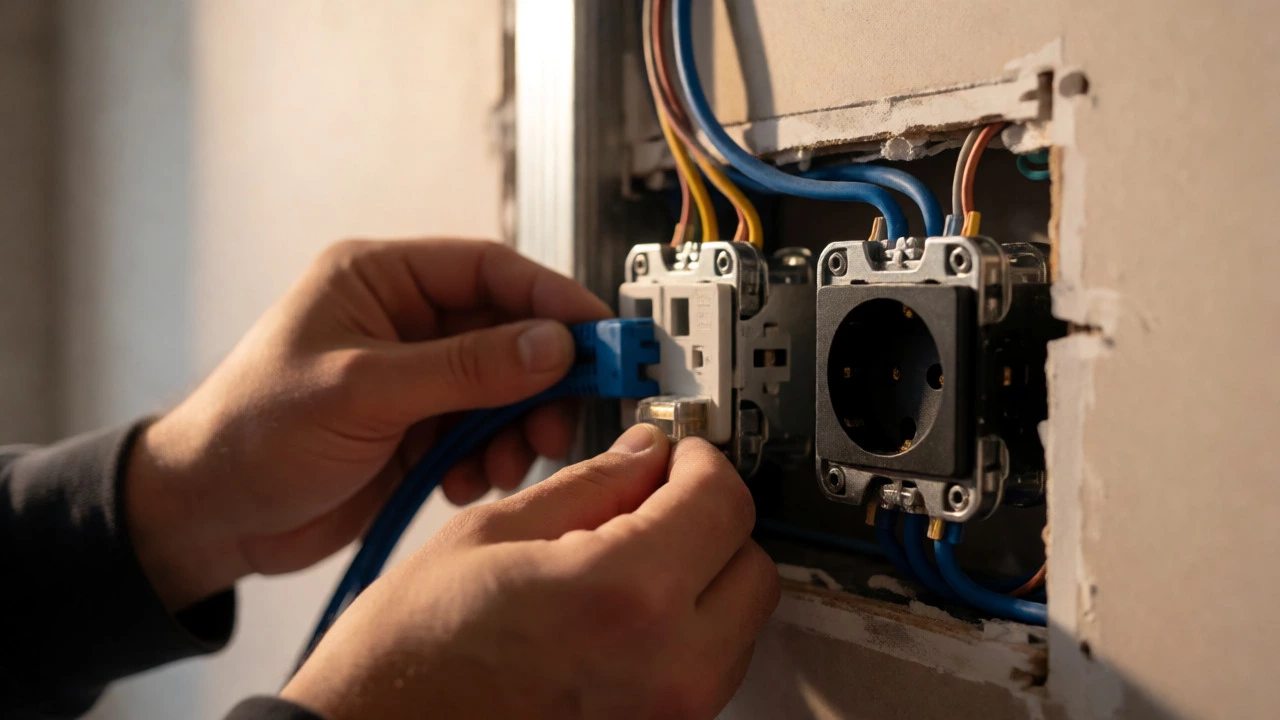
Here is the pro tip: ask for extra power and data points in the media wall location before construction starts. It costs next to nothing to add another electrical outlet or an Ethernet port while the electrician is still running wires. Once the walls are closed up, adding a new point requires chasing cables through the wall, which is labor-intensive and expensive. You might end up paying $300-$500 per additional point later, compared to $50 upfront.
Also, consider the type of cabling. Wi-Fi is great, but for 4K streaming or gaming, a hardwired Ethernet connection is superior. Ask your builder to run Cat6 cable to your main living area and any bedroom where you plan to watch content. This future-proofs your home for smart devices, security cameras, and high-bandwidth needs.
Smart Home Packages: The Exception to the Rule
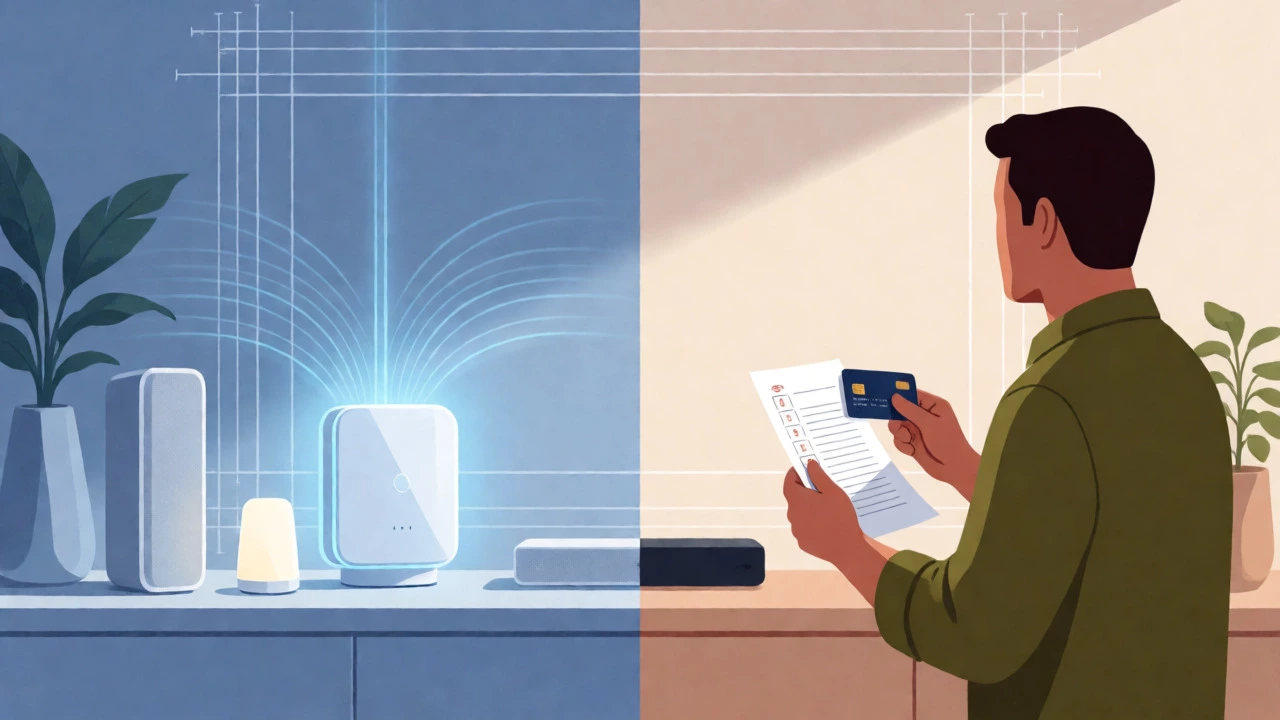
While the TV itself isn’t included, some high-end developments offer smart home packages that might change the equation. Companies like Lutron, Control4, or generic smart ecosystems are increasingly being bundled into premium builds. These packages don’t necessarily give you a Samsung or Sony TV, but they do provide the infrastructure to control lighting, blinds, and audio-visual systems via a central hub or app.
If you are looking at a luxury development in Auckland or Sydney, check the spec sheet for "AV Integration." Sometimes, the builder will install a pre-wired AV rack in a closet. This means all your HDMI, power, and network cables converge in one neat box, ready for you to plug in your receiver and source devices. It’s cleaner than having wires dangling behind your TV, but you still have to supply the actual hardware.
Be wary of marketing language. Phrases like "smart ready" or "tech-enabled" sound impressive but often just mean there are enough power points. Always ask for a detailed list of what "smart" entails. Does it include voice control? Automated scenes? Or just a few smart switches? Don’t pay a premium for vague promises.
Budgeting for Your Entertainment Setup
Since you’re buying the TV yourself, factor this into your closing costs. Many buyers forget to account for the peripherals. A TV alone isn’t enough. You’ll likely need:
- A Soundbar or Audio System: Built-in TV speakers are notoriously weak. Budget at least $300-$800 for decent audio.
- Streaming Devices: Apple TV, Roku, or Chromecast if your TV’s native OS is sluggish.
- Mounting Hardware: A sturdy wall mount ($50-$150) and professional installation if you aren’t handy ($150-$300).
- Cable Management: Raceways or conduits to hide unsightly wires.
In total, setting up a proper media zone can cost between $1,500 and $5,000 depending on quality. This is separate from your mortgage and stamp duty. Plan for it early so you aren’t eating instant noodles for three months post-move-in.
What About Rental Properties and Flips?
The rules shift slightly if you are buying a new build as an investment property. Landlords often furnish apartments to attract tenants faster. In these cases, the lease agreement dictates what stays. Usually, the landlord keeps ownership of the TV, meaning it could theoretically be removed when a tenant leaves, though most won’t bother for a small flat-screen.
However, if you are selling a flipped house, staging is key. Stagers will bring in a TV to make the room feel complete. Remember, staged items are never included in the sale unless explicitly stated in the contract. If you fall in love with the exact TV setup in the open house, negotiate its inclusion in writing before signing. Otherwise, expect it to vanish on settlement day.
Final Thoughts on Media Walls
So, do new builds come with a TV? No, but they come with the potential for a great one. The value lies in the preparation. Use the pre-construction phase to map out your media habits. Do you game? You need low-latency wiring. Do you watch movies? You need blackout-friendly window treatments near the screen location. Do you host parties? You might want outdoor-rated cabling for a patio speaker system.
Treat your new home as a blank canvas. The lack of a pre-installed TV gives you the freedom to customize your entertainment experience perfectly. Just remember to lock in those power and data points now, while the studs are still exposed. Future-you will thank present-you for skipping the ugly extension cords.
Do new builds come with internet already connected?
Generally, no. While builders install the external NBN or fiber optic connection point (often called the ONT or modem port), they rarely activate the service. You must contact your Internet Service Provider (ISP) to schedule activation, which can take days or weeks. Always book this appointment for the day before you move in.
Can I negotiate for the builder to include a TV?
You can try, especially if the home has been sitting on the market. However, builders prefer cash discounts over goods because TVs depreciate quickly. If they agree, ensure the specific model, size, and brand are listed in the contract. Otherwise, they might install a cheap, older model to save costs.
Where should I place my TV in a new build?
Avoid placing TVs directly opposite large windows to prevent glare. The ideal height centers the screen at eye level when seated. Check where the builder placed the power outlets-if they are too high or low, you may need to hire an electrician to relocate them before painting.
Do show homes sell with the furniture and TV included?
Rarely. Show homes are staged for marketing purposes. The furniture, decor, and electronics are owned by the developer or a staging company. Unless you sign a separate bill of sale for the contents, everything except the fixed fixtures (like blinds and built-in cabinets) is removed upon purchase.
Is it worth paying for extra data points during construction?
Absolutely. Running Ethernet cables (Cat6) is cheap during the rough-in stage but expensive later. Having wired connections in multiple rooms ensures stable streaming and gaming performance, which Wi-Fi cannot always guarantee in larger modern homes with thick insulation.